
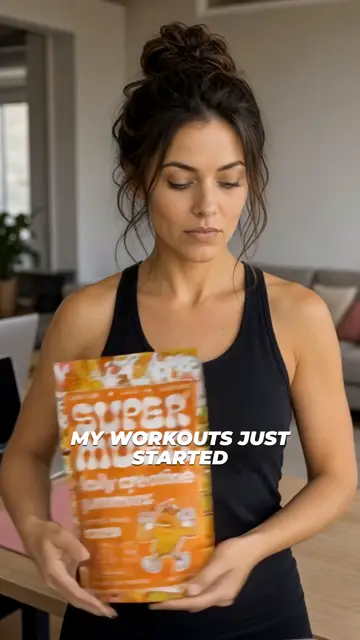
Product in hand
Your product in the creator’s hands, on camera, saying your script. No samples to ship.
Black Friday Pre-sale: 50% OFF Annual plans
Drop your product link. Viral View learns your brand, reverse-engineers your competitors' best-performing ads, and ships fully edited ads ready to launch.
Paste a link, see 3 ad previews for your product, then choose a plan. No card to start.
$29 a month or $174 a year · 7-day money-back guarantee
Other AI video tools hand you a blank prompt. Viral View starts from an ad the market already paid for.
Paste your product link. 2,945 winning Meta and TikTok Shop ads, ranked by fit with your product.
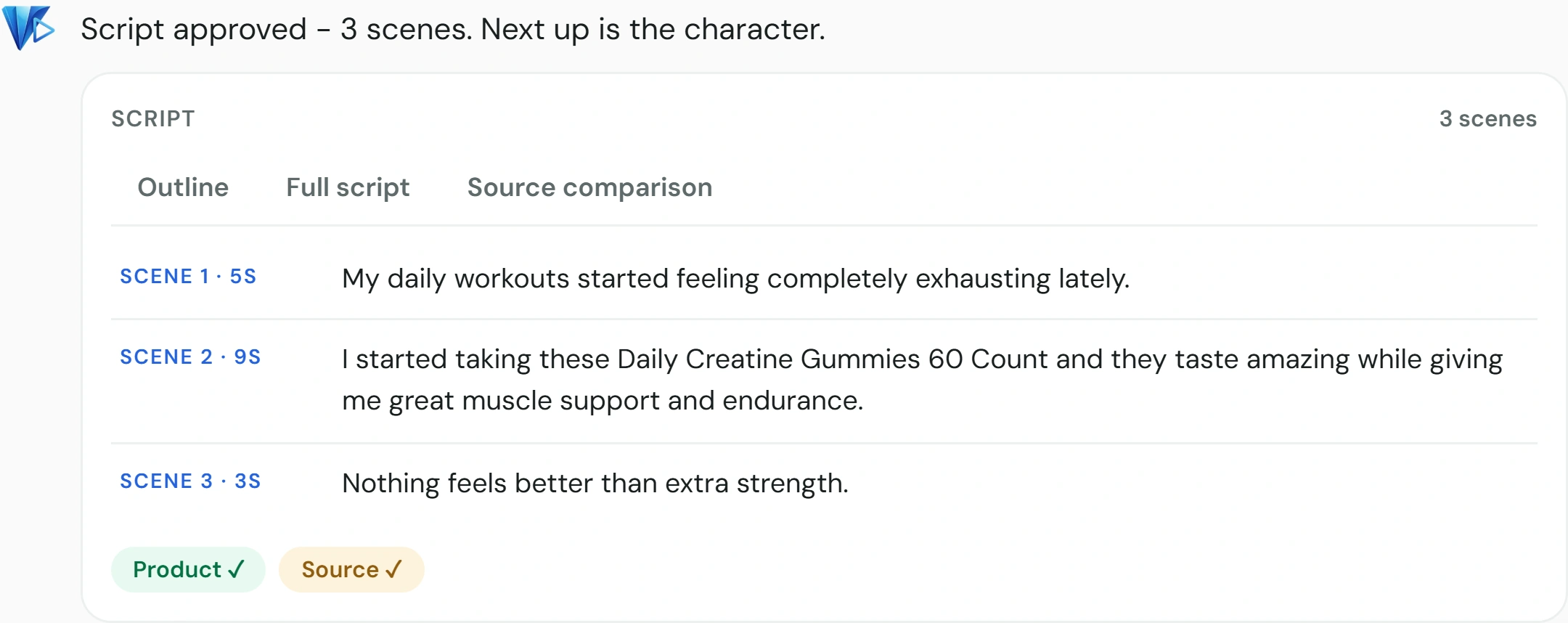
The script keeps the winner’s beats and rewrites every word for your product. Edit anything.
Pick a face, render the scenes, export a 9:16 MP4. Save the creator to reuse in your next ad.
Auto runs the ad inside a spend cap you set. Manual waits for your OK on the script, the creator, and every frame.
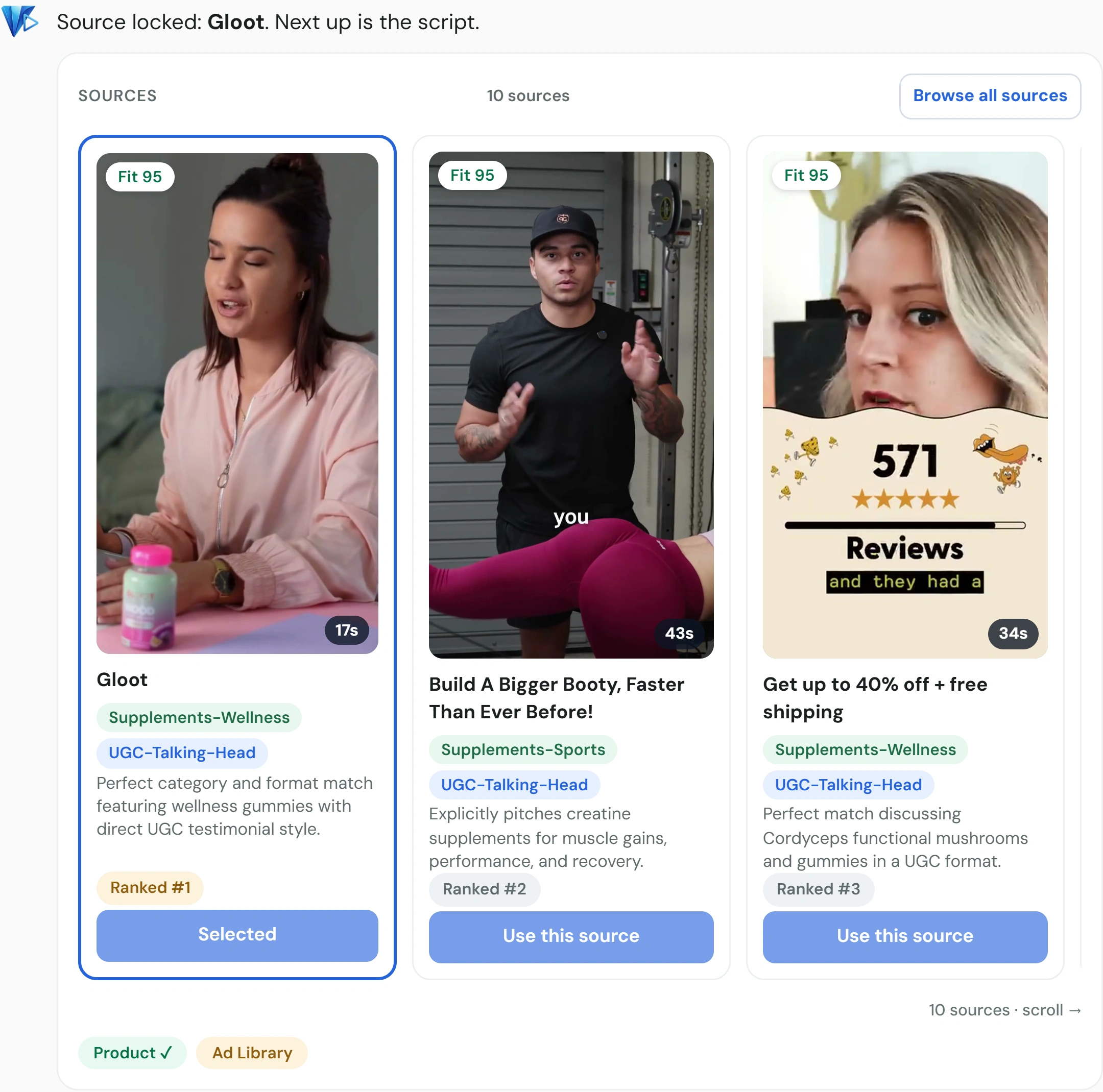
Ranked source, script, character, frames, clips, then a 9:16 export. These are the actual product screens.
Paste a product page. Viral View ranks proven ads by fit, or you paste a link or upload an MP4.
The rewrite keeps the winner’s beats. Edit any line before you pay to generate.
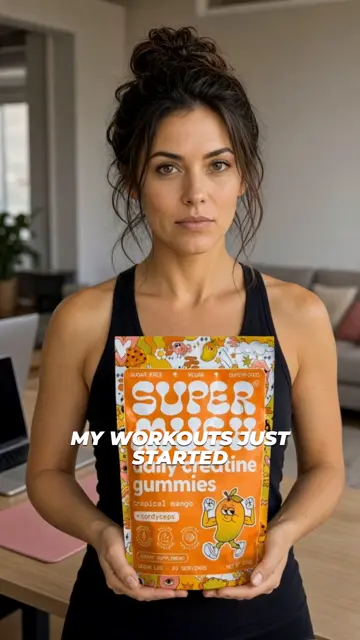
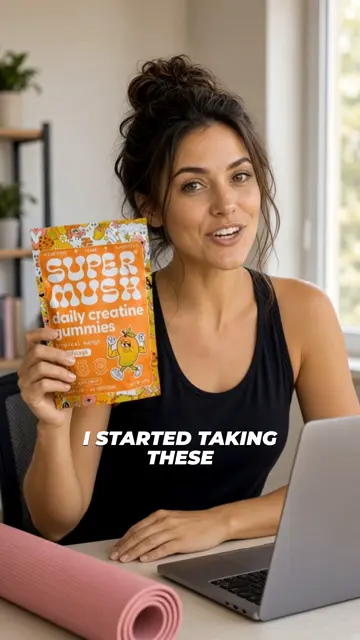
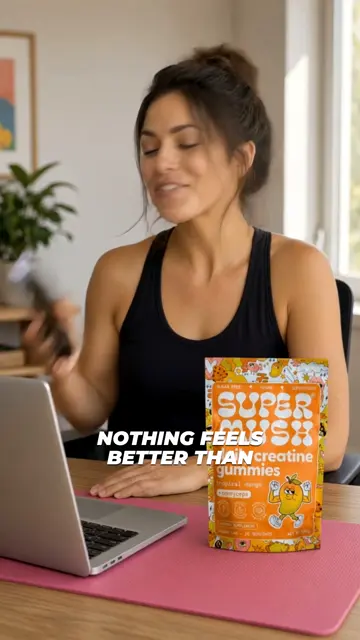
Pick an AI creator, then check a still for every scene before you render clips.
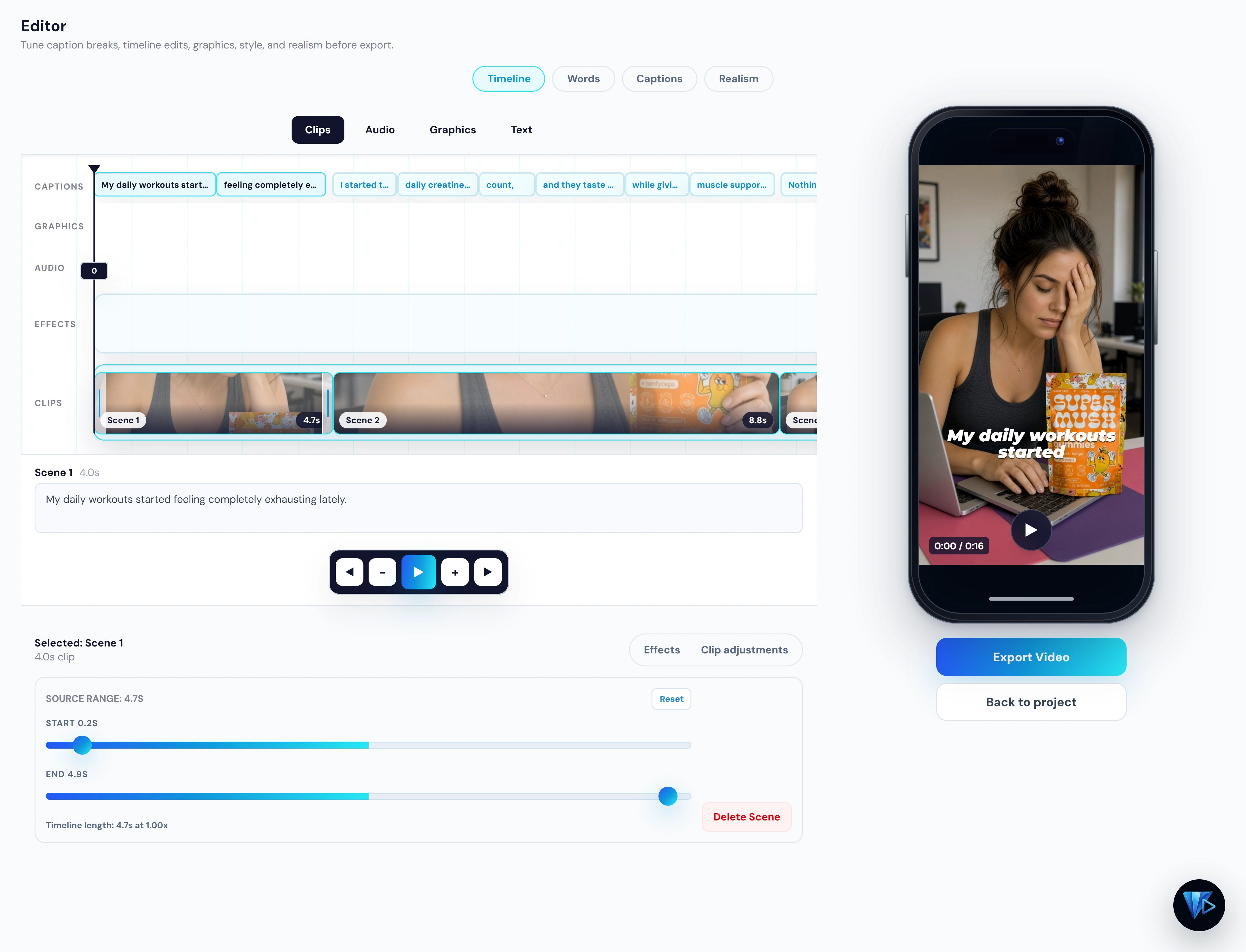
Trim clips, fix caption breaks, drop a scene, and export a vertical MP4.
Every ad below came out of Viral View. Tap the speaker to hear one.
Your product in the creator’s hands, on camera, saying your script. No samples to ship.
See a start frame for every scene before you render. Redo the weak one and keep the rest.
Trim clips, fix caption breaks, drop a scene. Export when it looks right.
Auto mode takes a product link and runs the whole ad inside a spend cap you set. Manual mode waits for your OK on the script, the creator, and every frame.
These stills are AI presenters from Viral View exports, not real people. Save a character and use it again so the next ad can keep the same face.
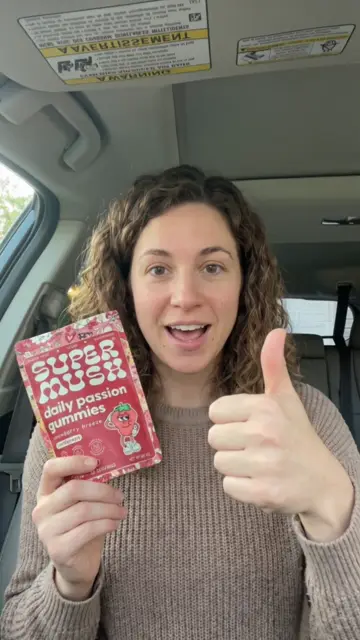
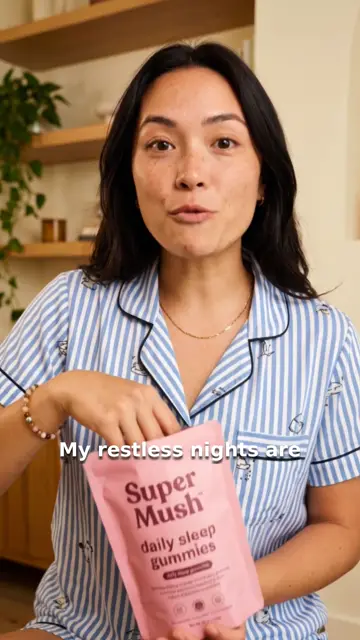
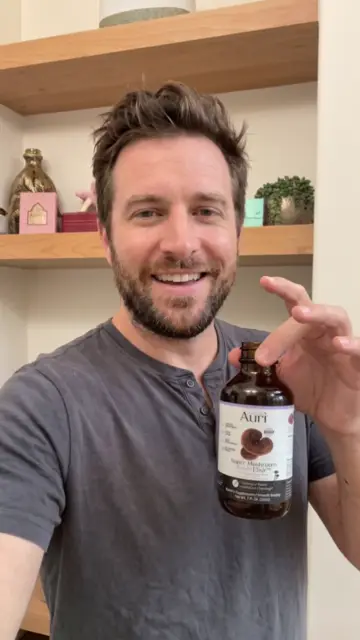
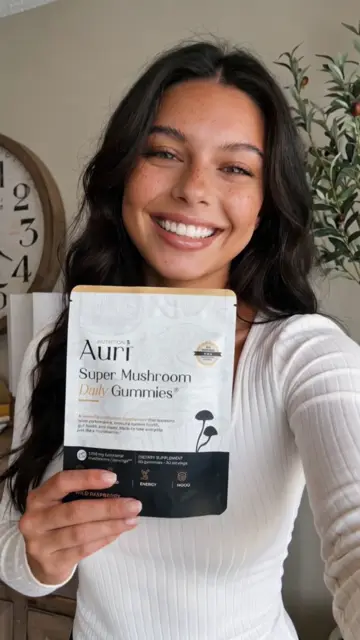

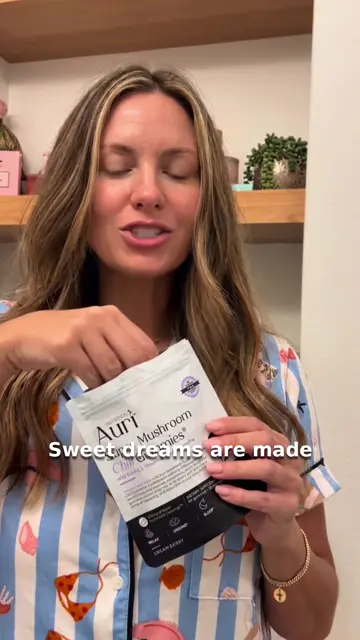
Pattern-break hooks, real gestures, the product in frame, captions timed to the voice. Turn the sound on and judge for yourself.
Make my first ad$1.70
No creator fee. No product to ship. No reshoot when a take is weak. The generation bill goes straight to your own Kie.ai account, with no markup.
15 Sep 2026. A 17-second supplement UGC became a 16-second 9:16 MP4 with captions. Image and video generation $1.70. Product link to rendered scenes in 14 minutes.
Credits valued at $0.005 each. Script and analysis calls also run on the provider account and are not included. The product was chosen by our team for testing. This is a product demonstration, not a customer result.
Paid generation starts only when you press generate, or when you have said yes to auto mode running it.
Read every line before any video is paid for. Edit it yourself. Or tell Viral View what to change.
Choose from generated candidates, or reuse a saved character so your ads keep the same face.
See a still for every scene before rendering. In the demonstration, a frame cost 4 credits and a video scene cost 54 to 162.
Keep the scenes that work. Regenerate only the one that does not, and leave the rest of the ad as it is.
Trim clips, fix caption breaks and words, or remove a scene in the built-in editor.
Auto runs the whole ad inside a spend cap you set. Manual waits for your OK at every step.
Create your account, pick a plan, and clone a winning ad for your product. Creator is $29 a month, or $174 a year ($14.50 a month).
7-day money-back guarantee. Full refund of your subscription within 7 days. Cancel any time in Settings.
A product page link. Viral View pulls your product, ranks proven ads for it, and writes the script. You also connect a Kie.ai account once, which pays for the AI generation at cost.
It depends on the number of scenes, their length, and how many retries you run. The demonstration on this page, a 16-second ad with 3 scenes, used 339 credits of image and video generation, about $1.70. The 8-scene ad in the walkthrough showed $4.44 on its spend panel. Your live spend is on screen for every project.
Your choice. Auto mode runs the whole ad inside a spend cap you set. Manual mode waits for your OK on the script, the creator, the start frames, and the video.
No. Every creator in these ads is AI, generated for the ad. You can save a character and reuse it, so your ads keep the same face.
No. AI output can require revision. Review your creative before publishing, and use the available controls to refine it: edit the script, regenerate a frame, redo a single scene, or trim in the editor.
Plans renew automatically each month or year until you cancel. Cancel any time in Settings, and your plan stays active through the period you already paid for. You can get a full refund of the subscription within 7 days of purchase. Generation charges are paid to your provider and are not part of that refund.
Email support@viralview.io for product, privacy, and checkout questions.
Contact · Paid customers can also open in-app support after sign-in.
Clone the ads that already win in your niche, with AI creators, for a few dollars each.
Make my first ad